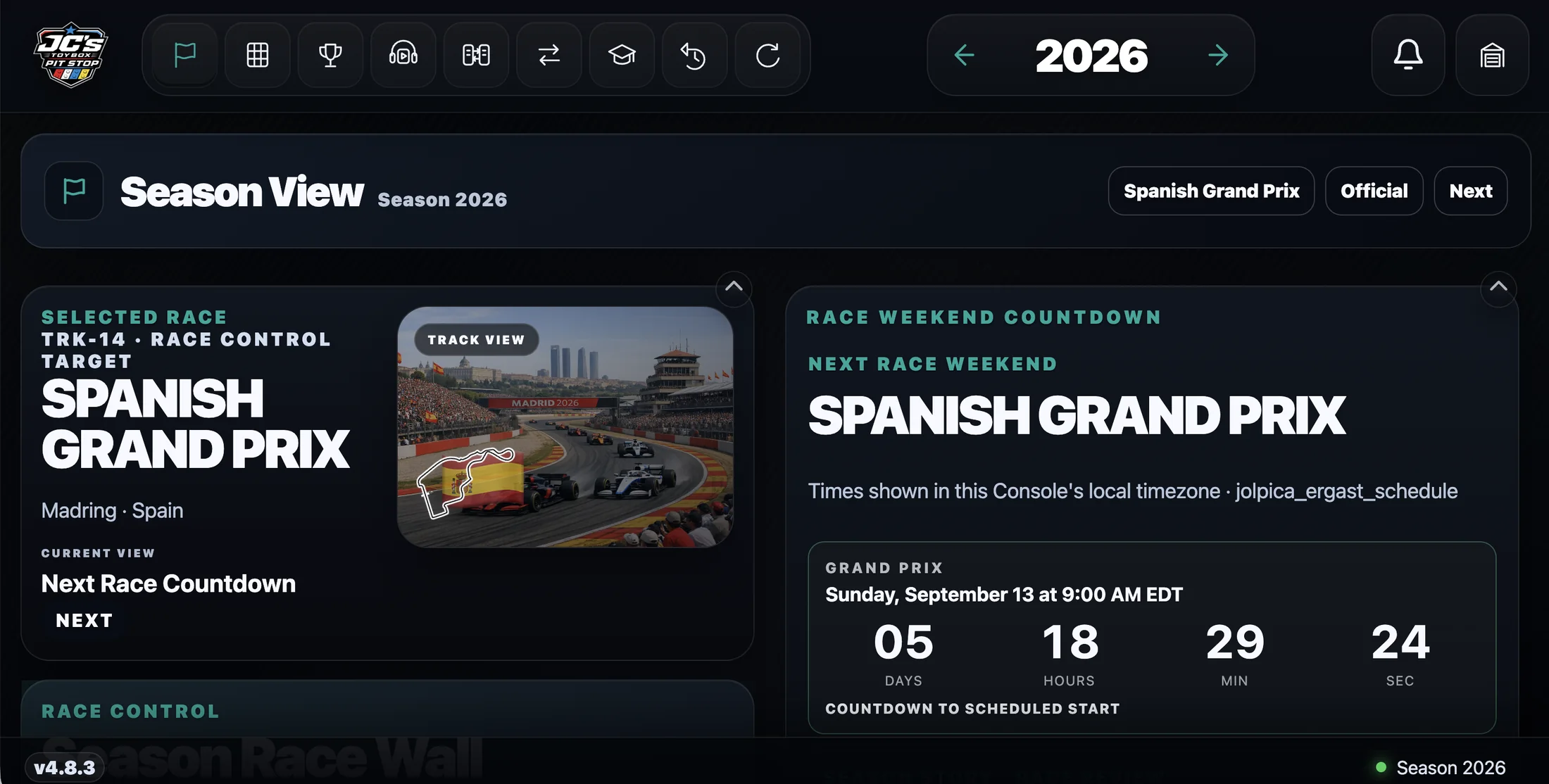
Features · See the active race, weekend countdown, and selected season in one screen.
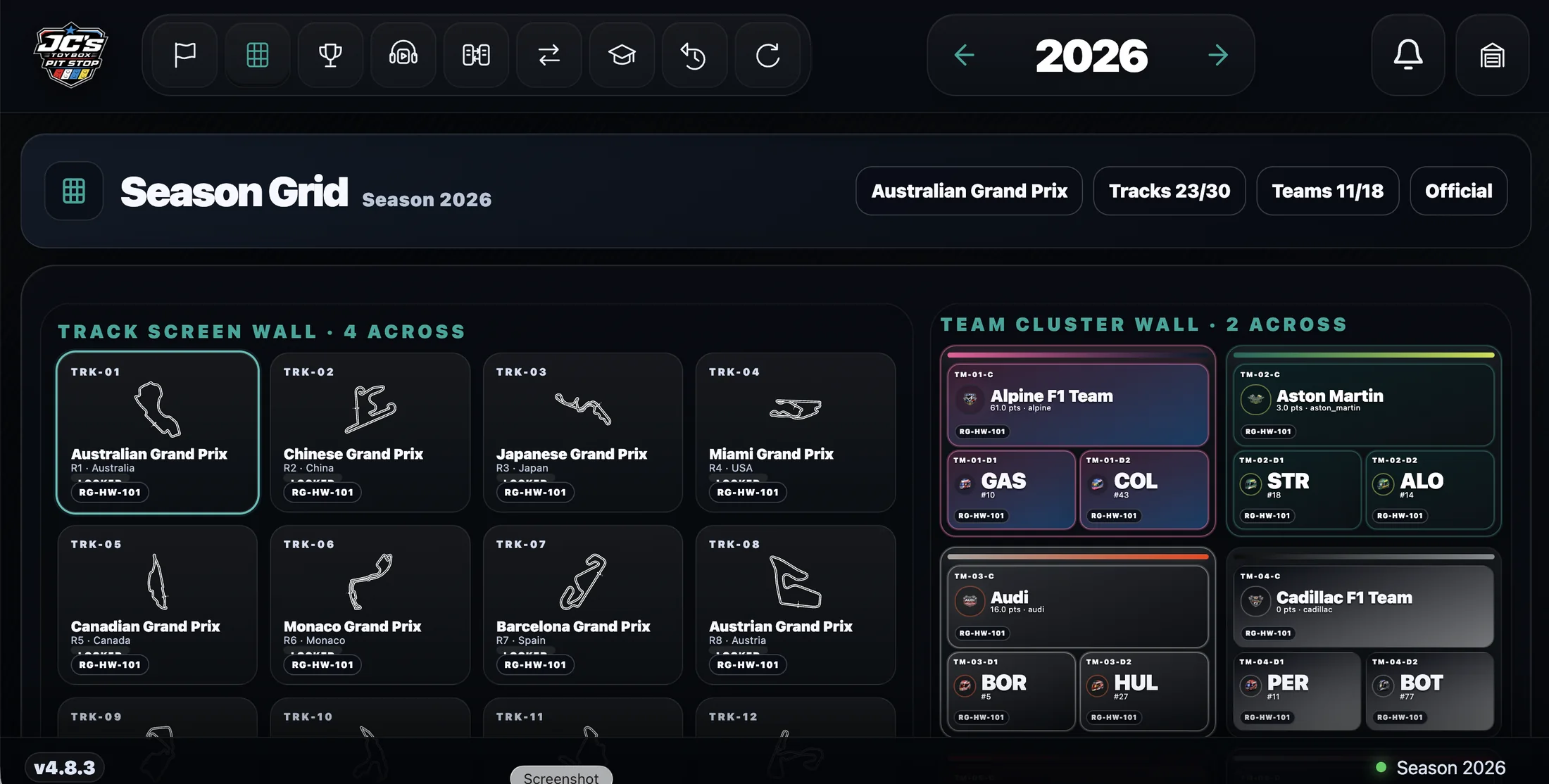
Features · Browse the season as a visual wall of tracks and teams.
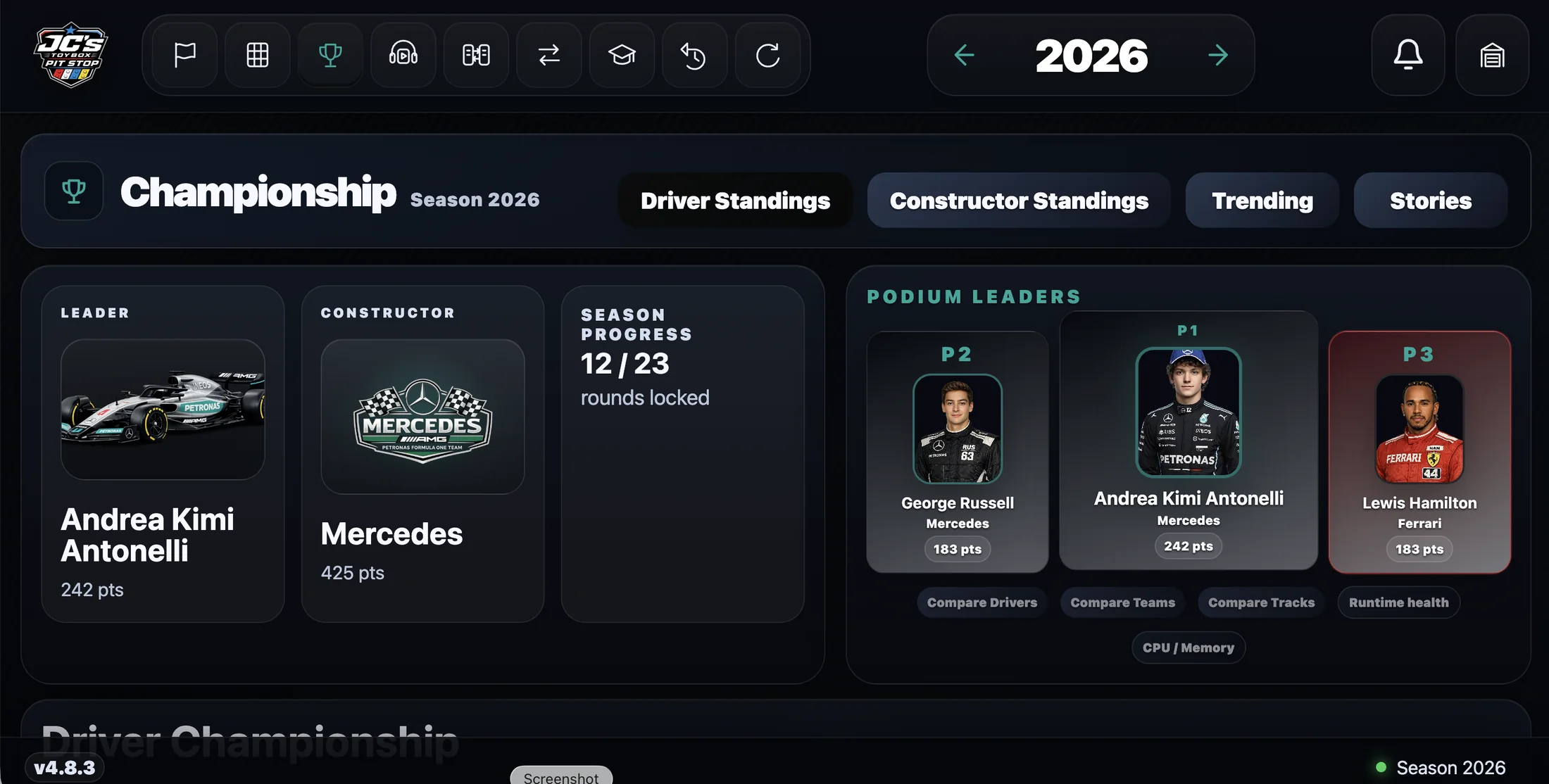
Features · Follow standings, leaders, trends, and season stories.
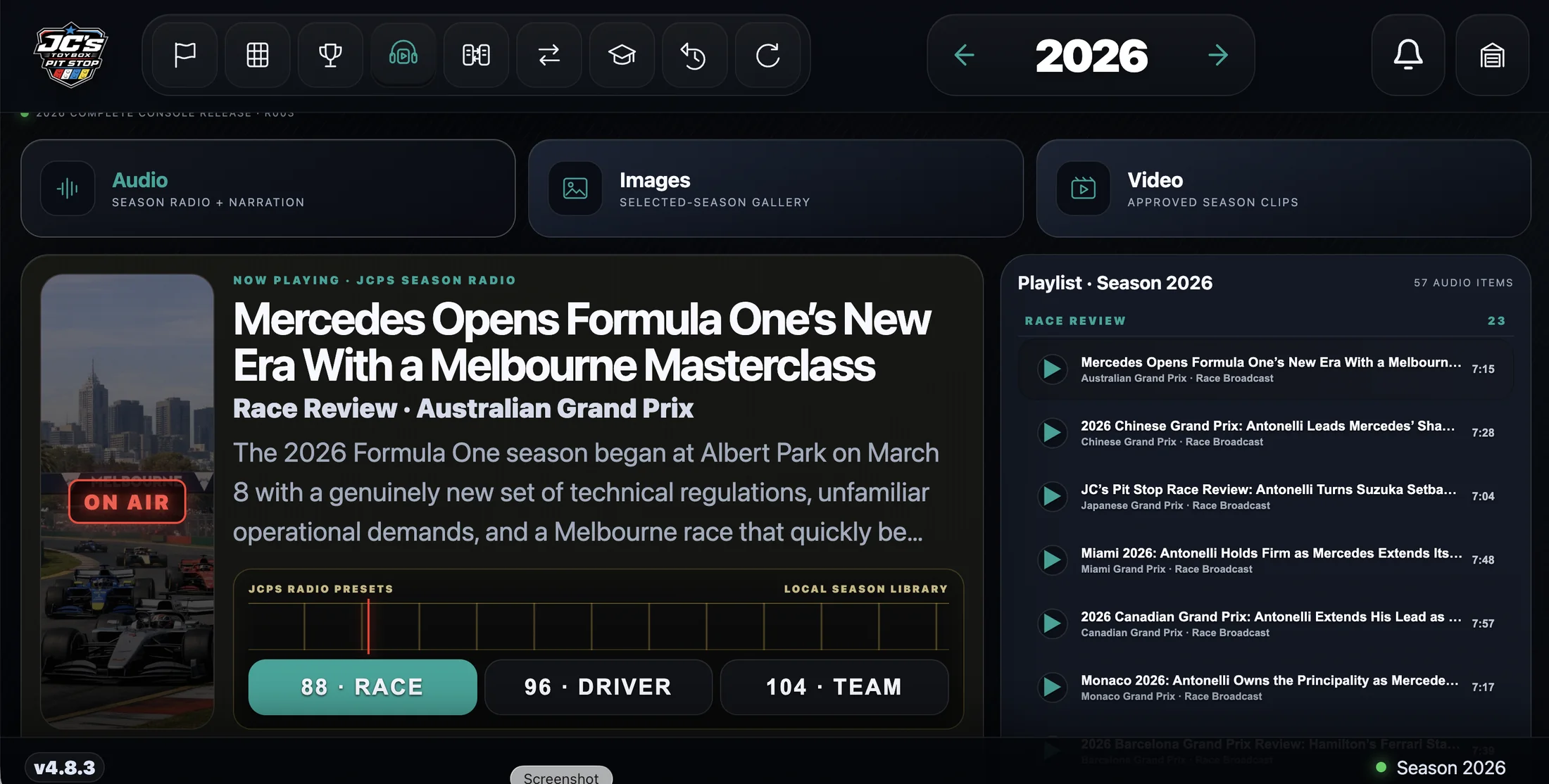
Features · Browse approved audio, images, and video from the selected season.
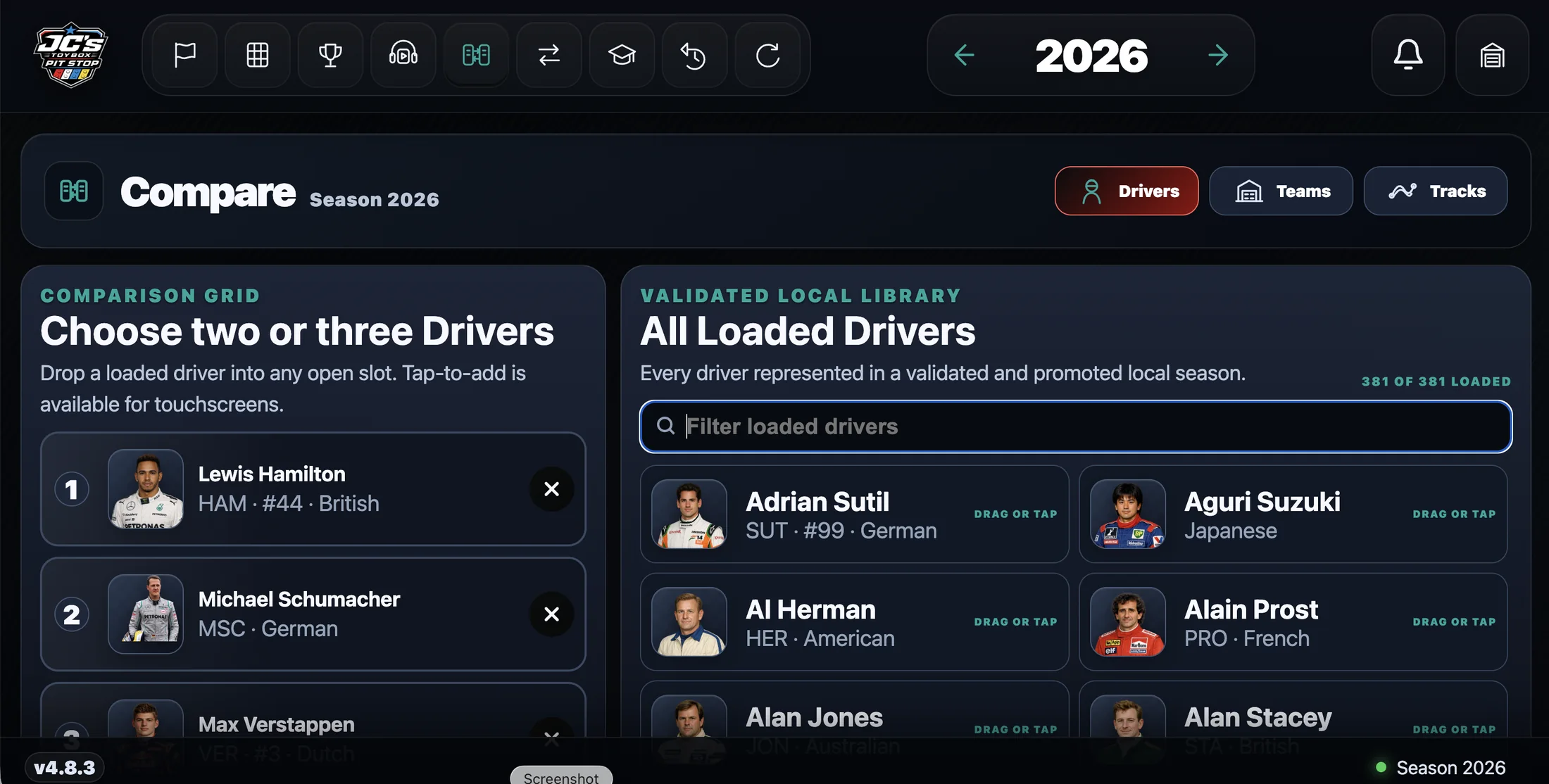
Features · Build a comparison from loaded drivers, teams, or tracks.
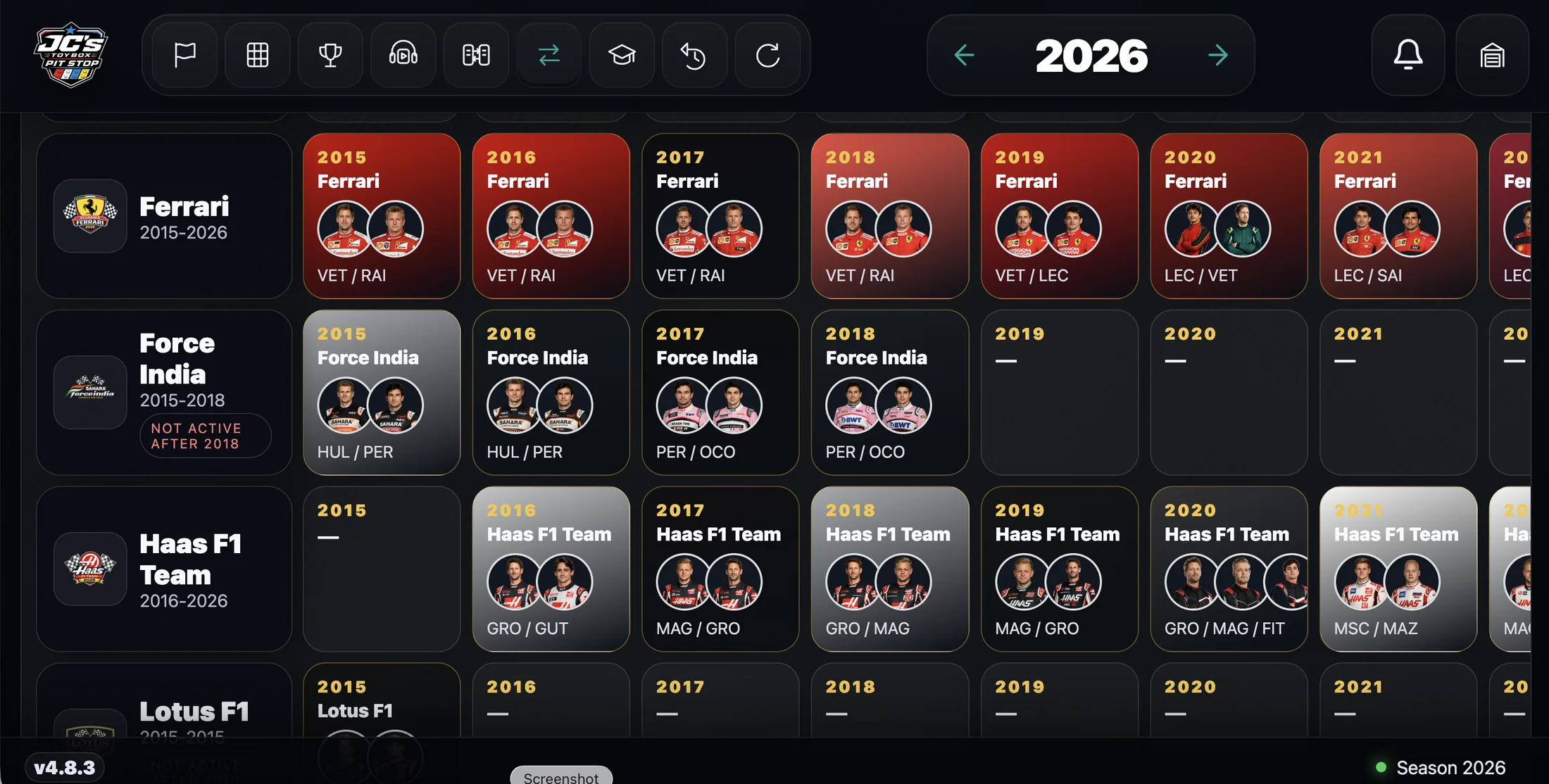
Features · See how constructor identities and driver lineups change across seasons.
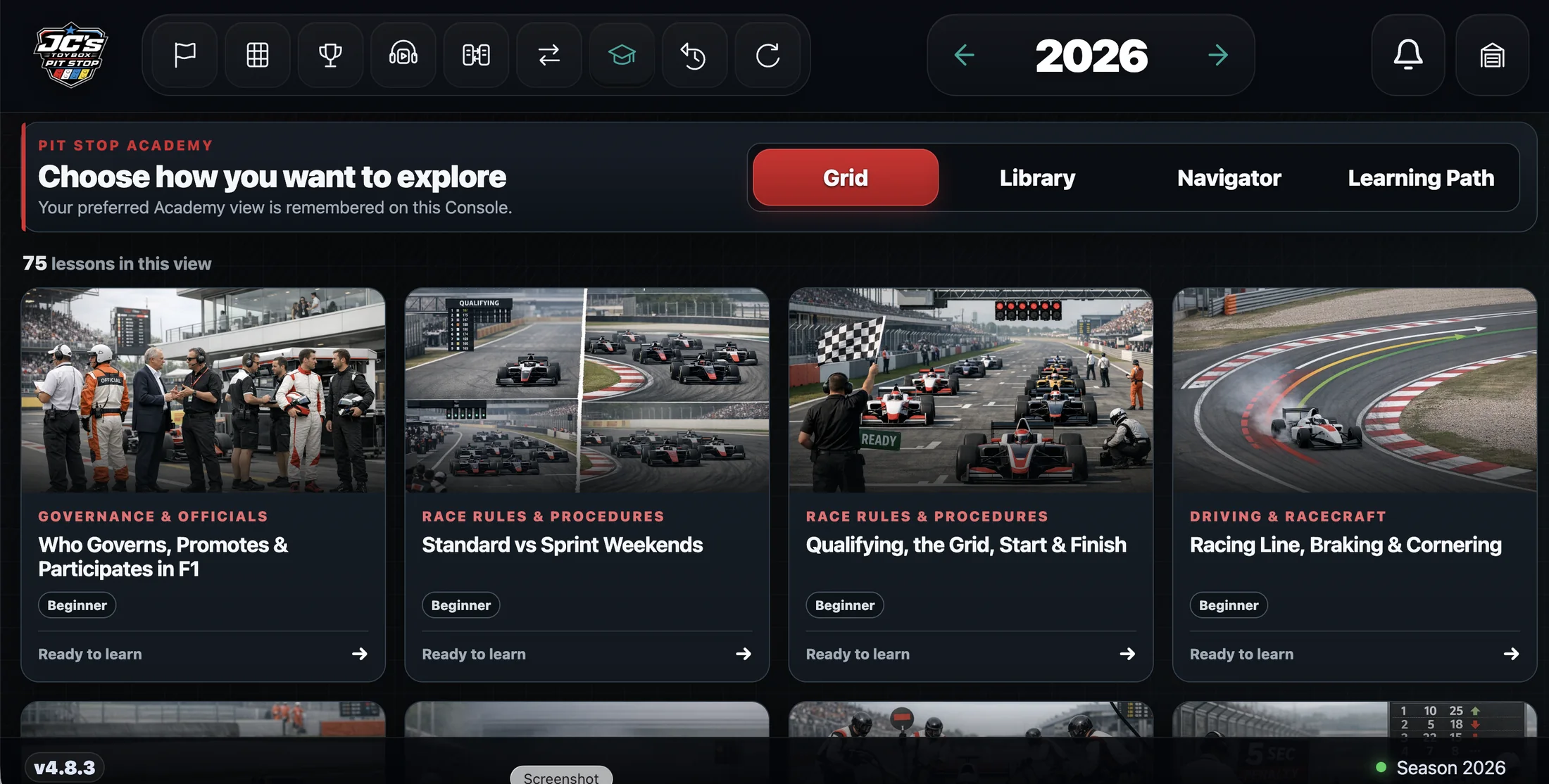
Features · Open approved learning content from the Console library.
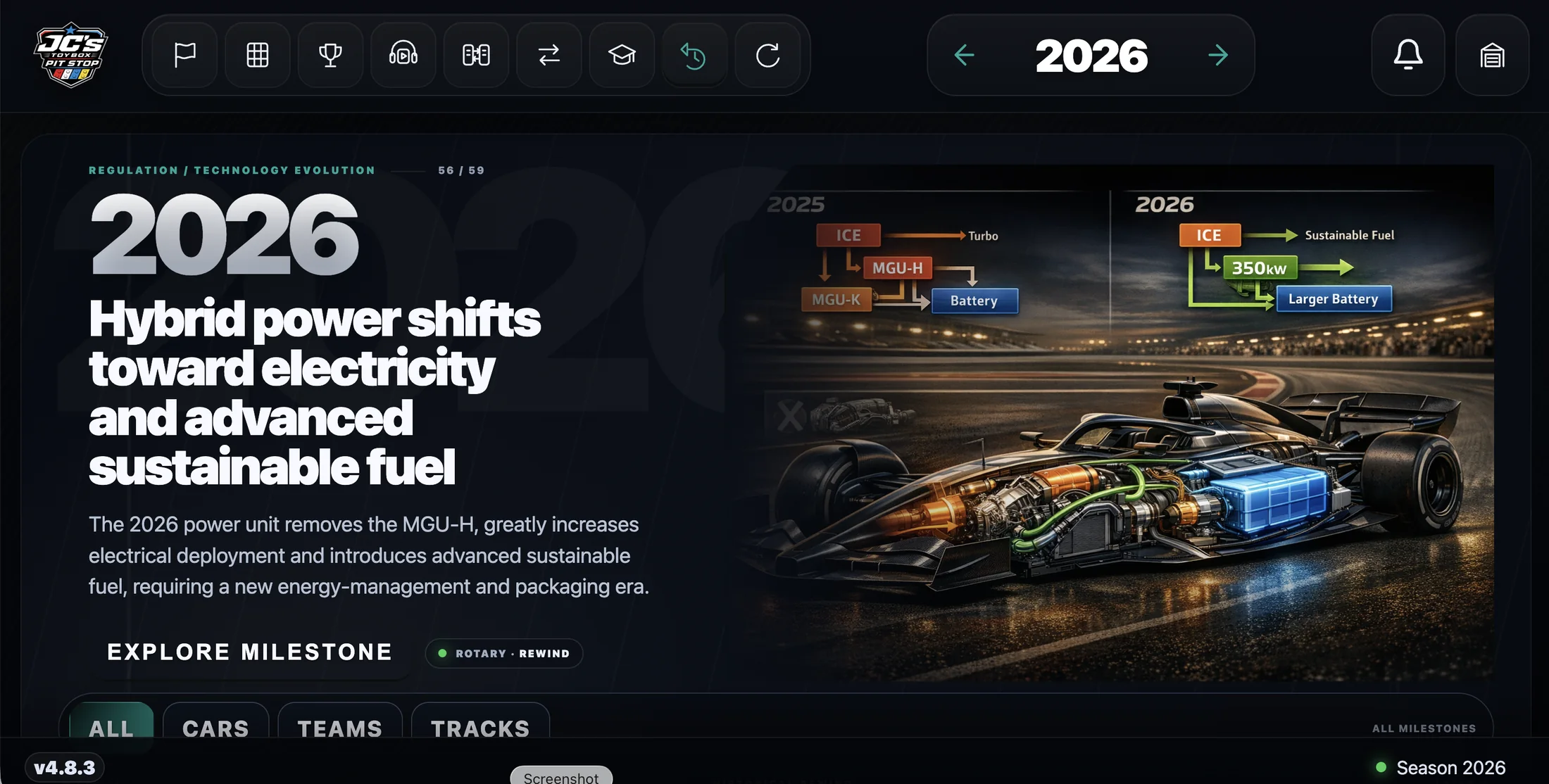
Features · Explore curated design and technology milestones across Formula racing history.
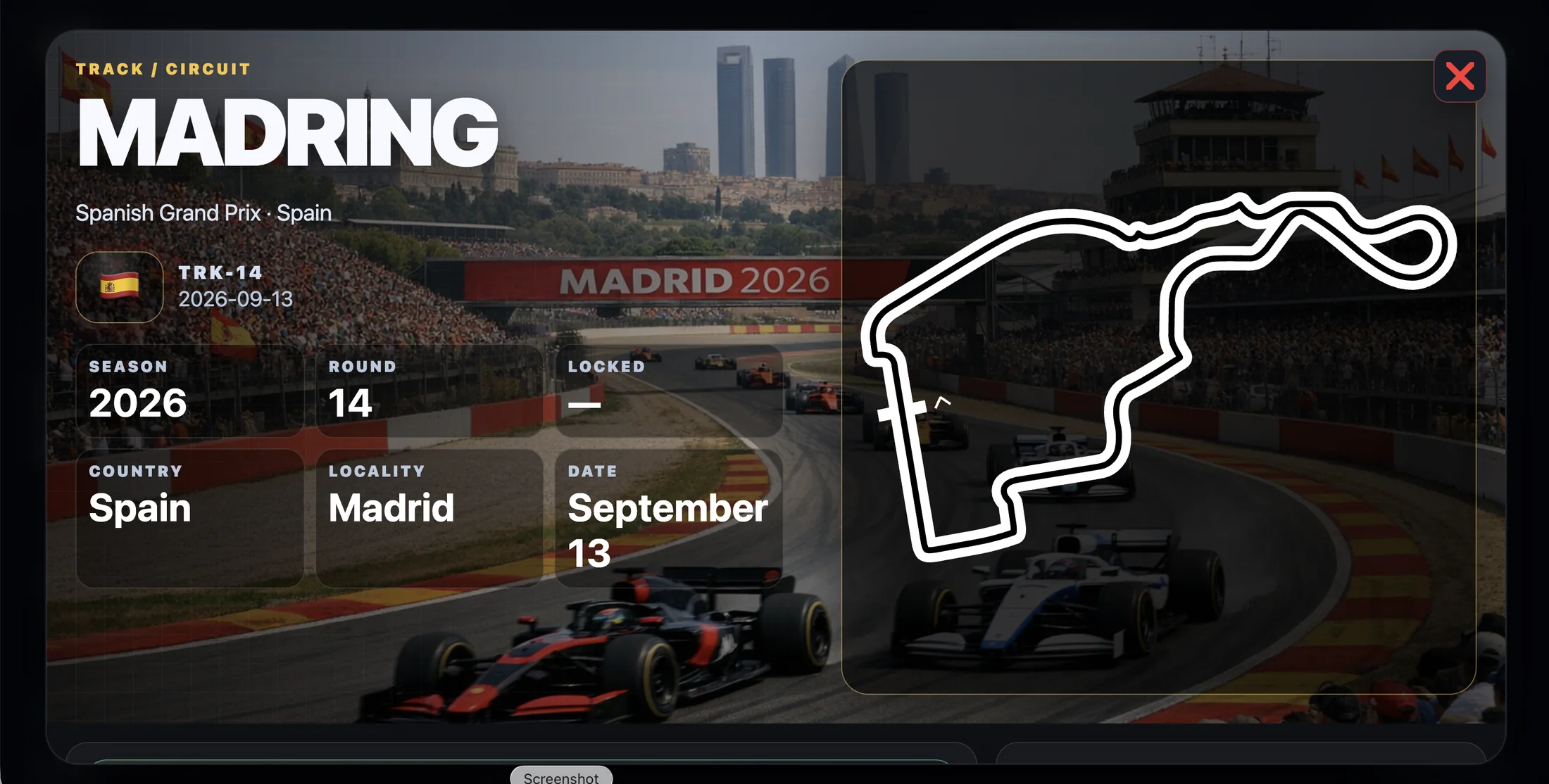
Features · Open a circuit for its identity, event context, and layout.
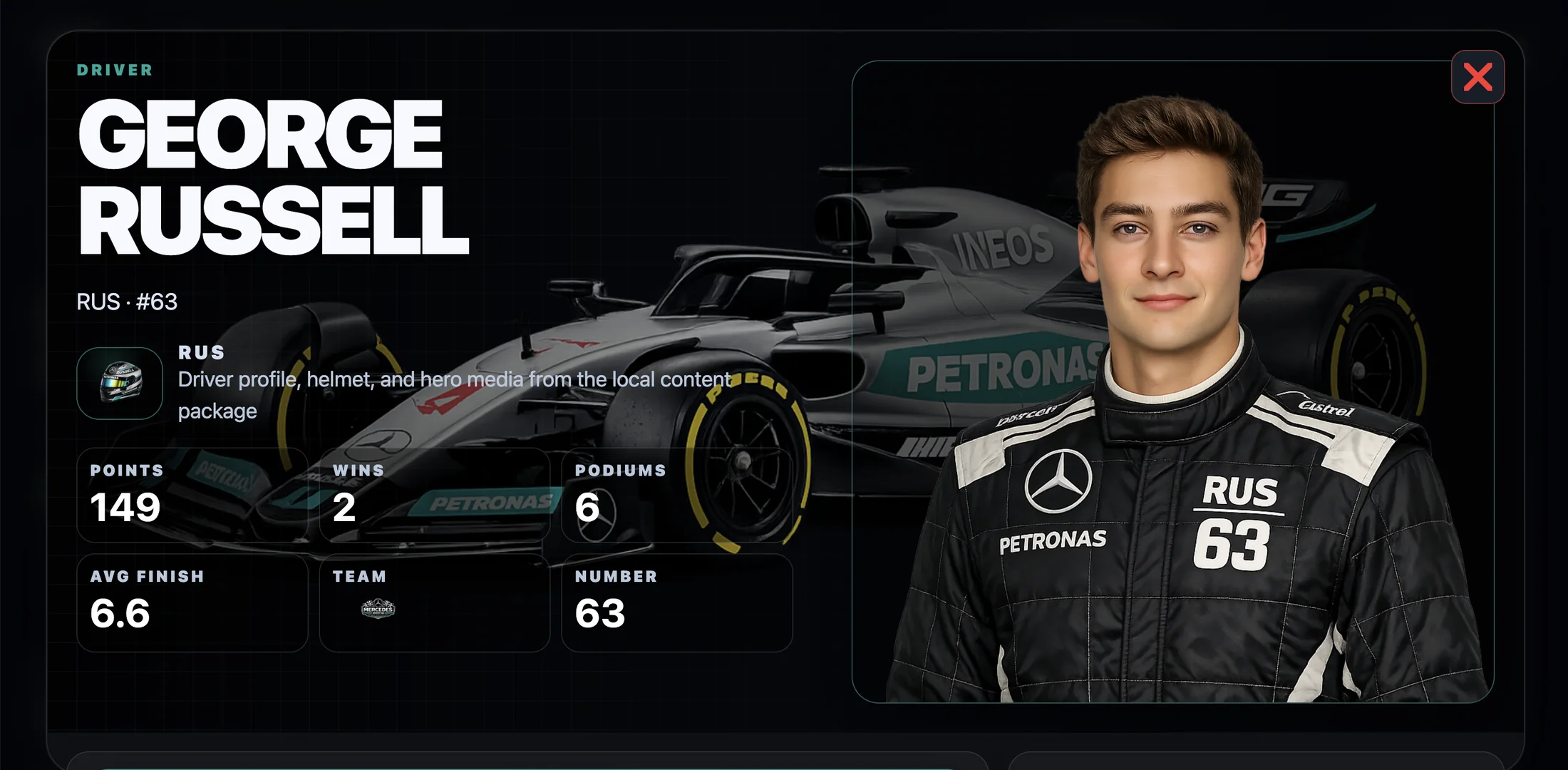
Features · Open a driver profile with season identity, stats, and approved media.
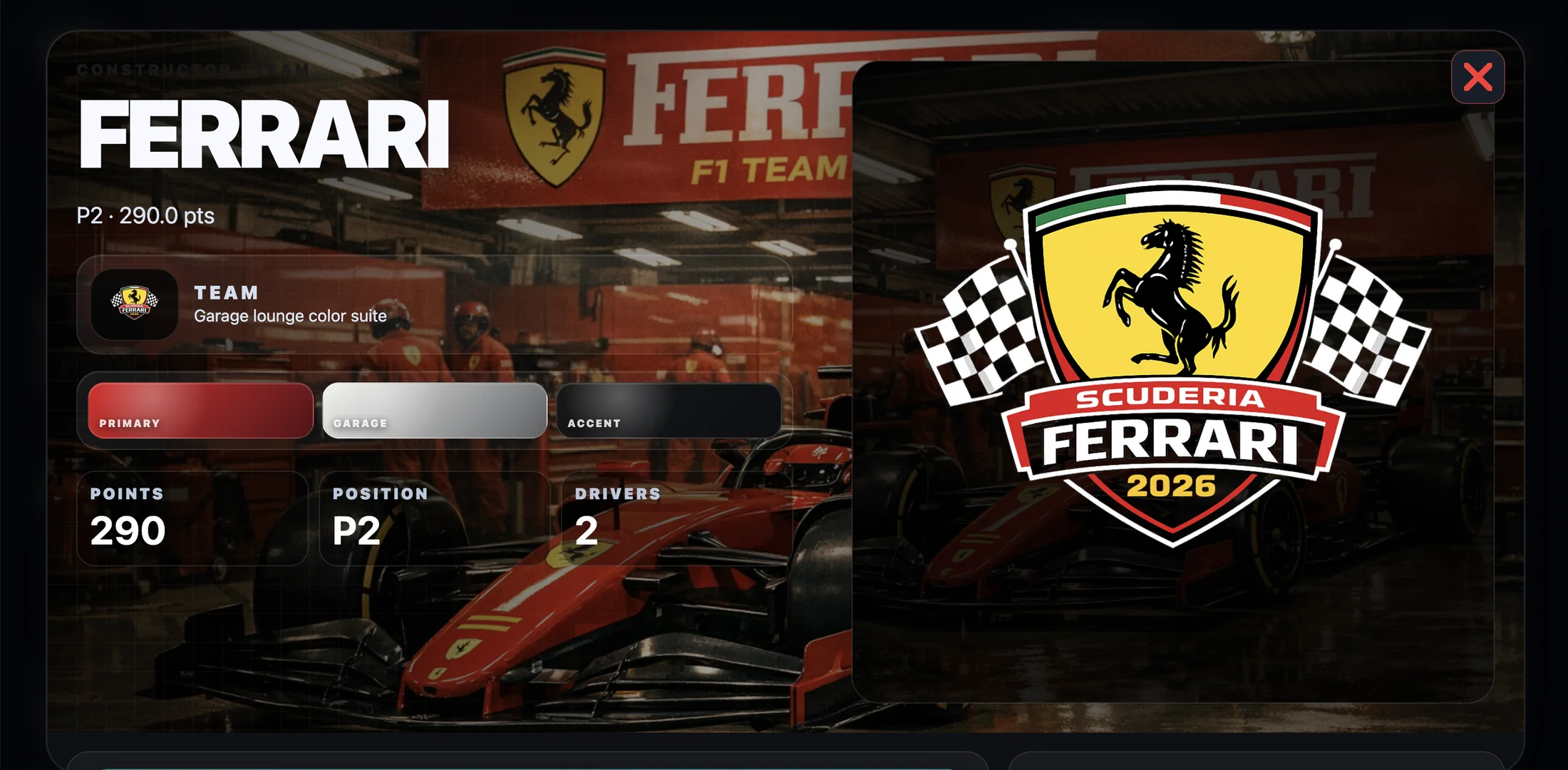
Features · Open a constructor profile with season performance and team identity.
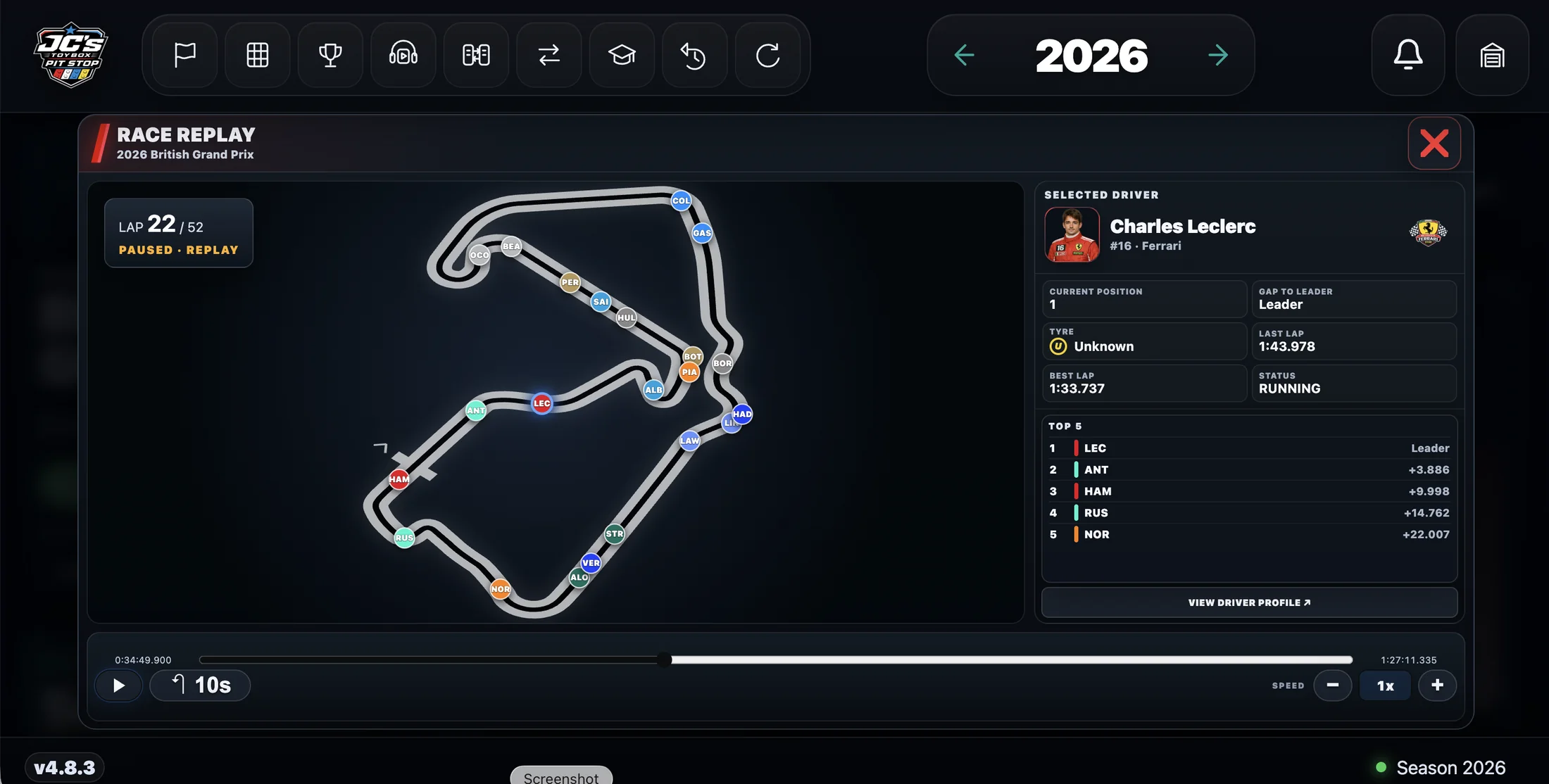
Features · Replay a supported race on its approved circuit path.
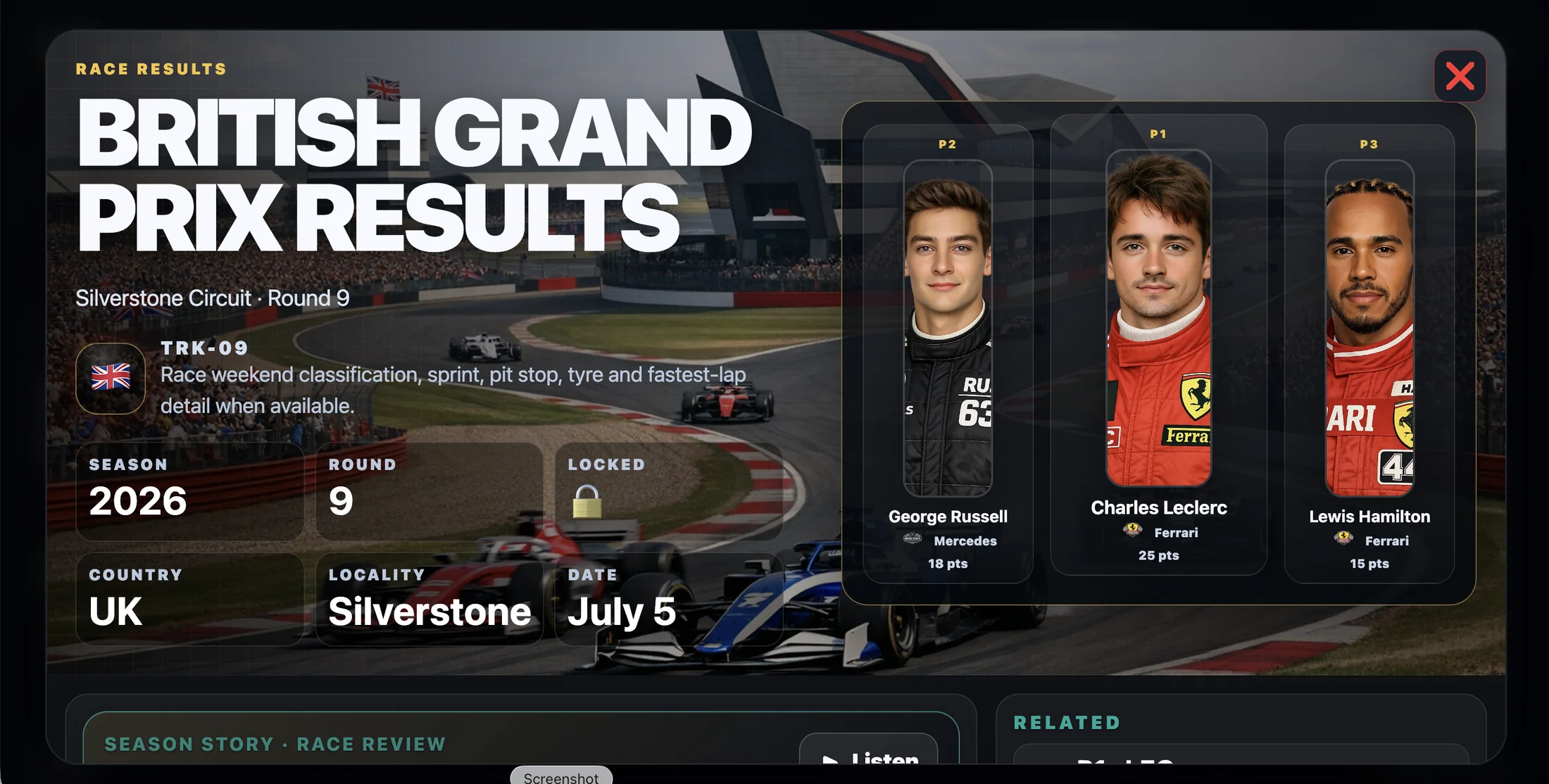
Functions · Open completed-race results without leaving the season experience.
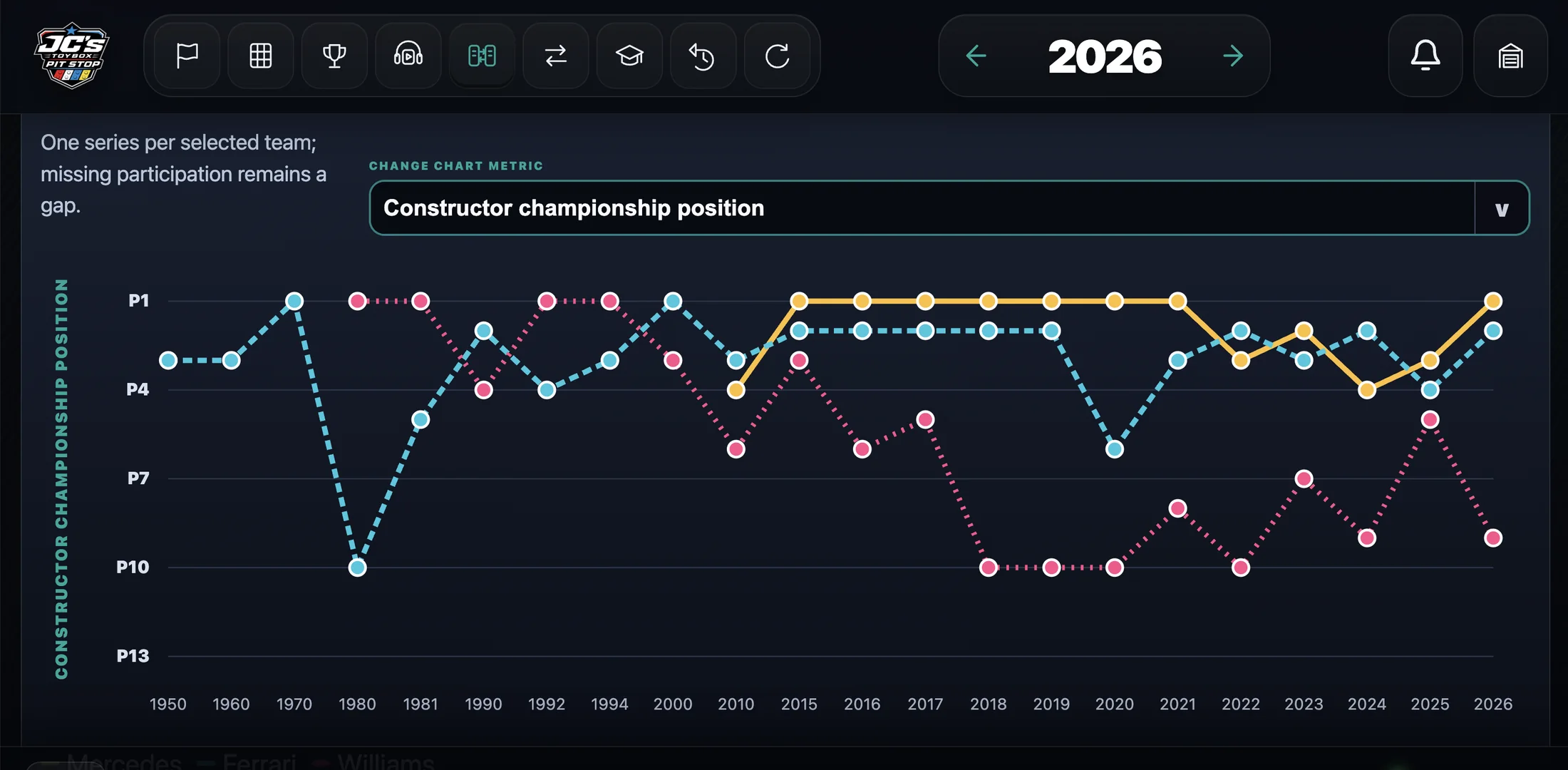
Functions · Compare selected series across loaded seasons with a chosen metric.
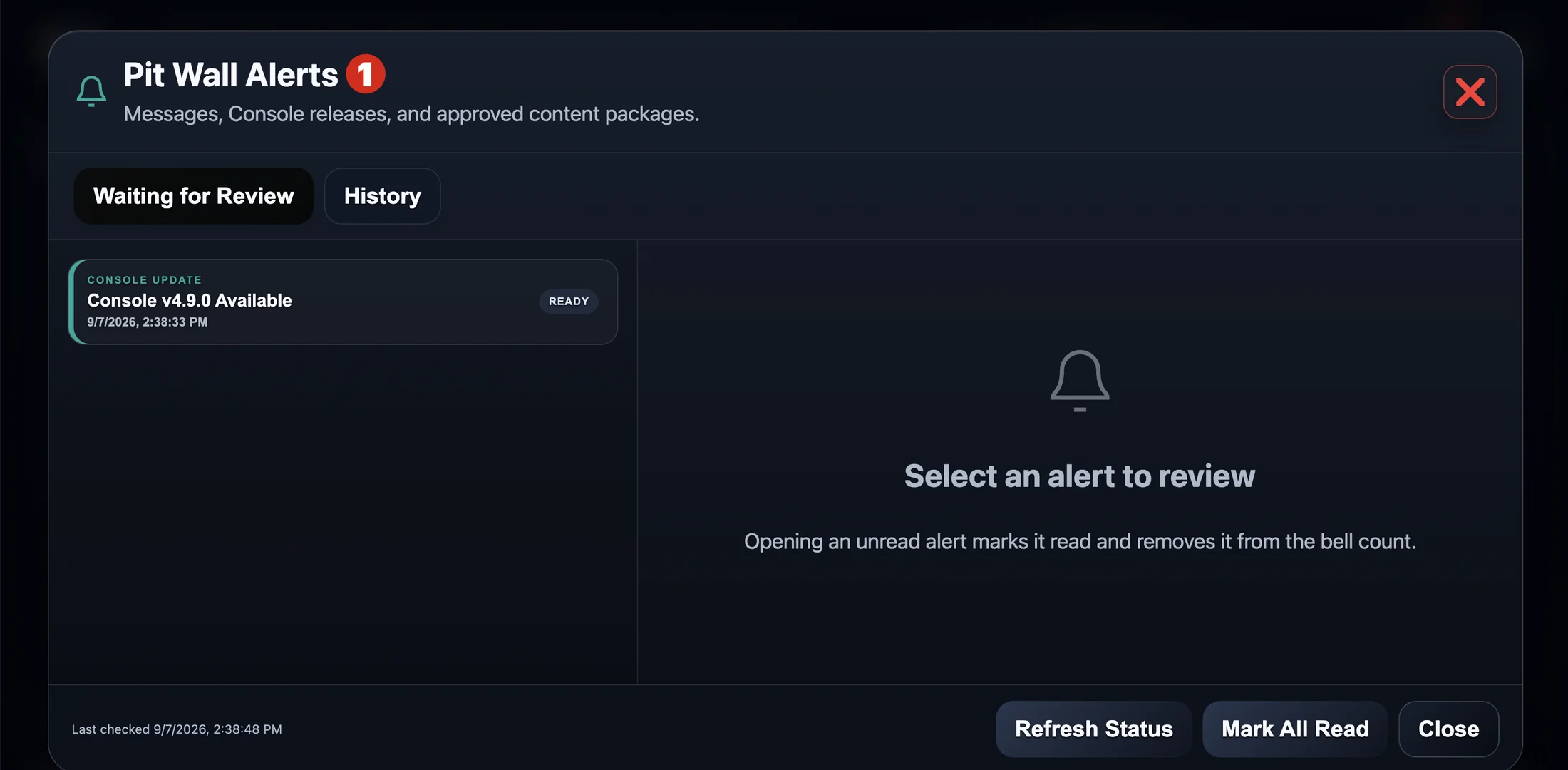
Functions · Review Console messages, updates, and approved-content alerts.
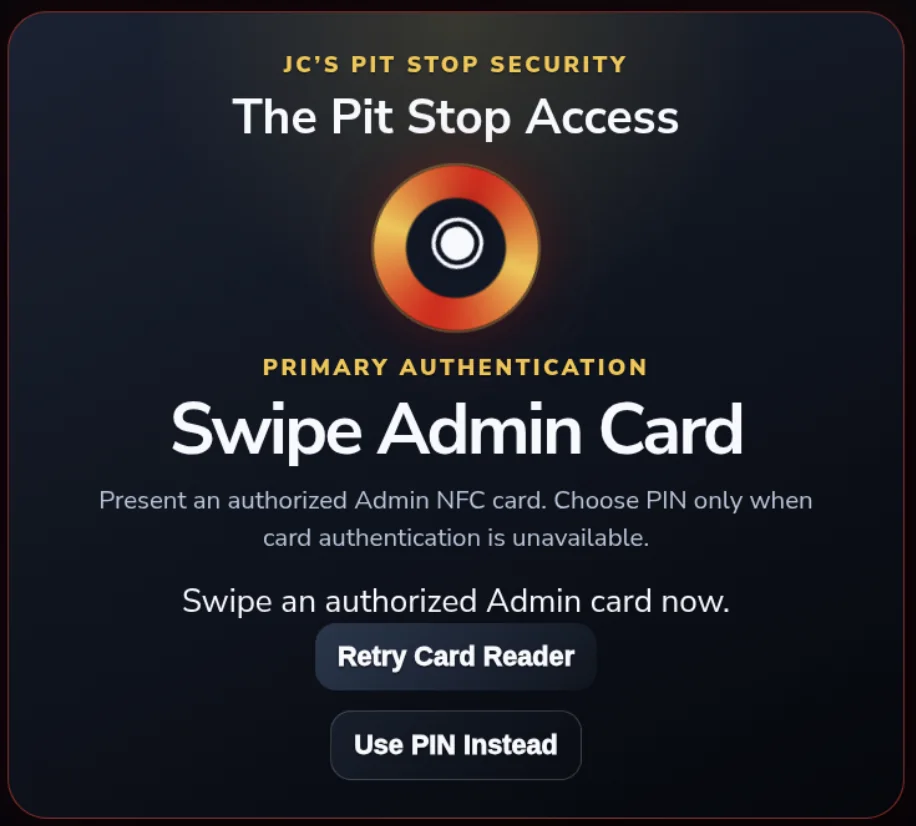
Functions · Use an authorized Admin NFC card to open The Pit Stop.
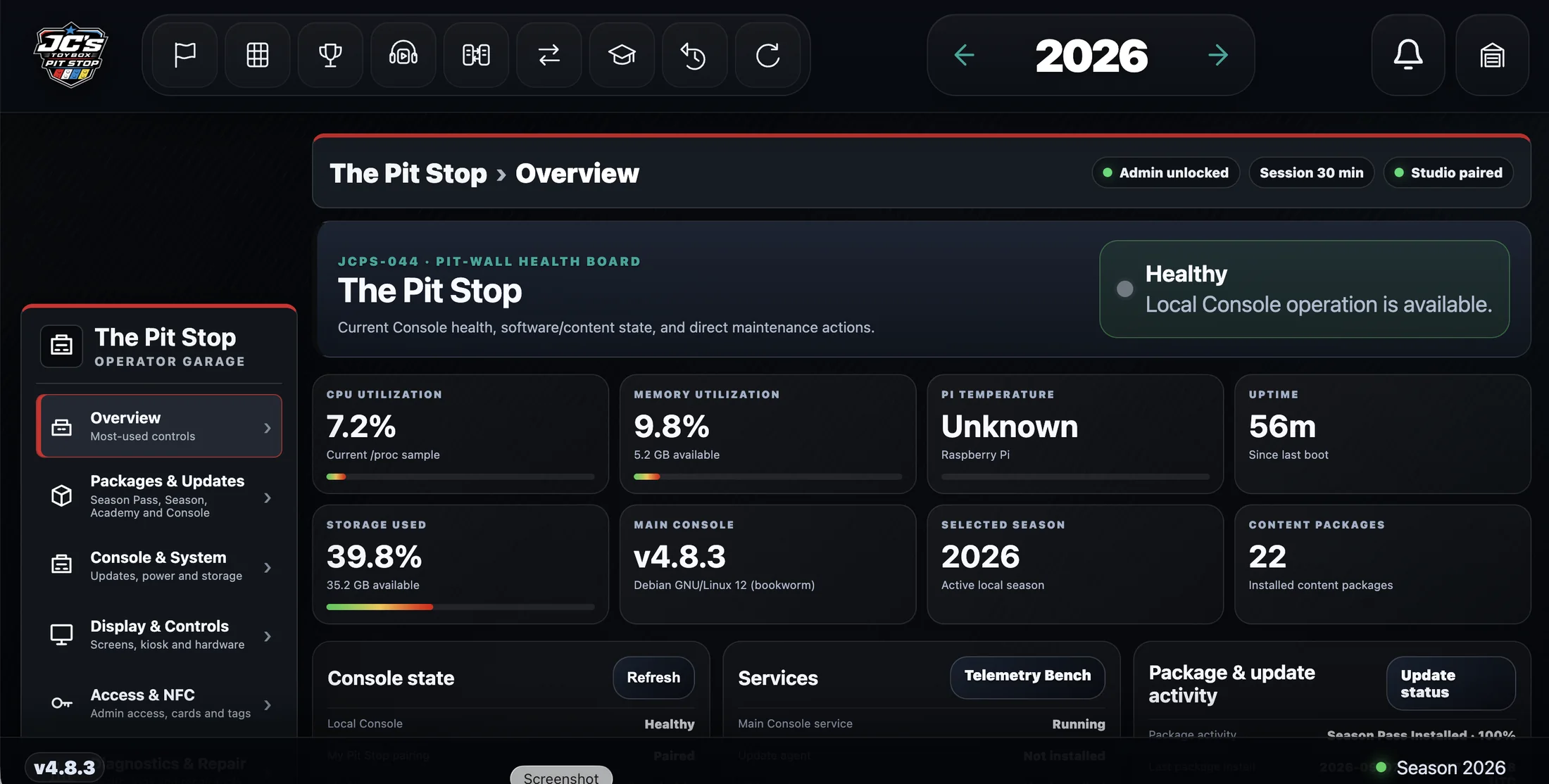
Settings · See Console health and the most-used operator controls in one protected view.
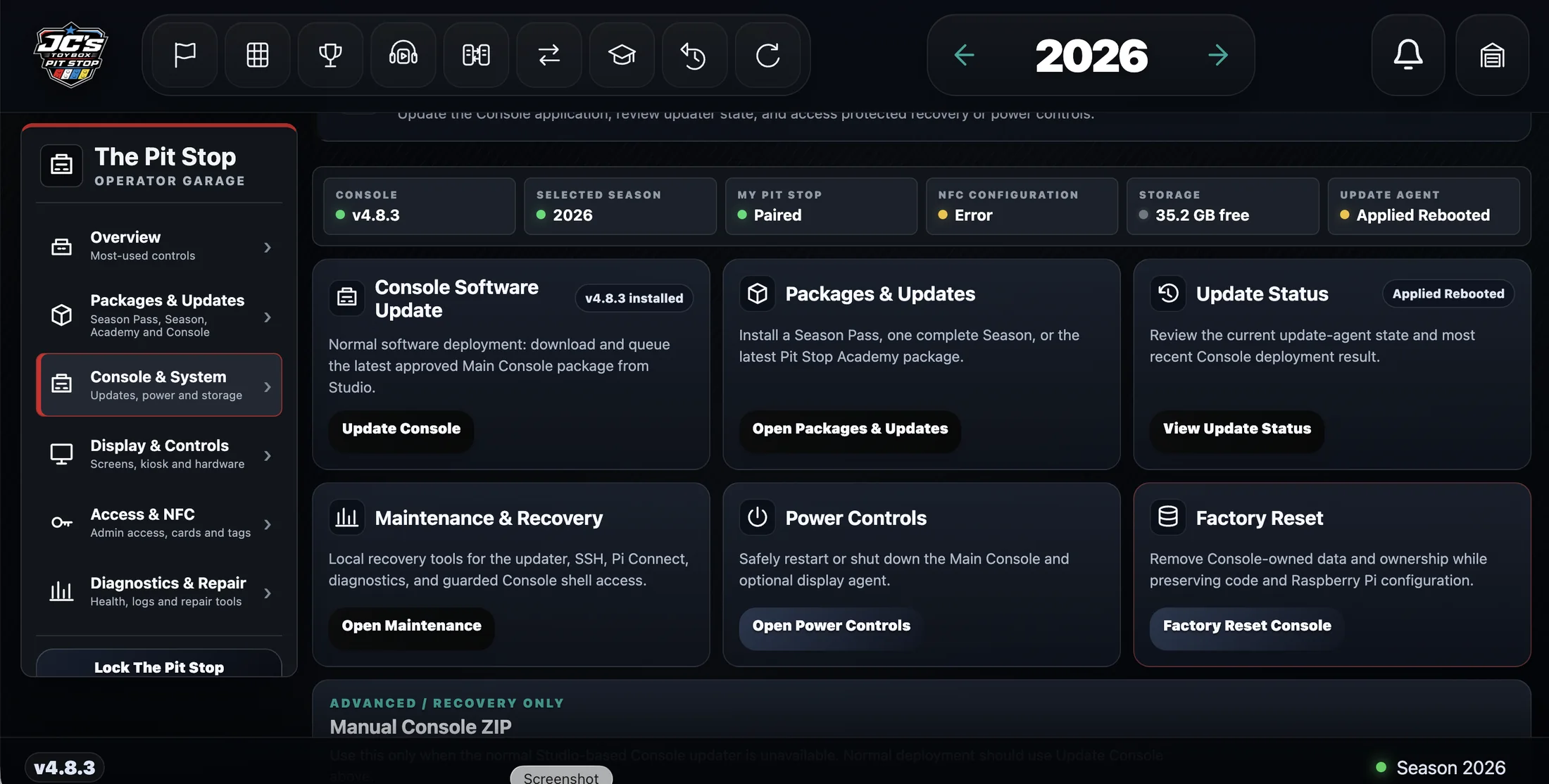
Settings · Use protected system controls for updates, maintenance, power, and recovery.
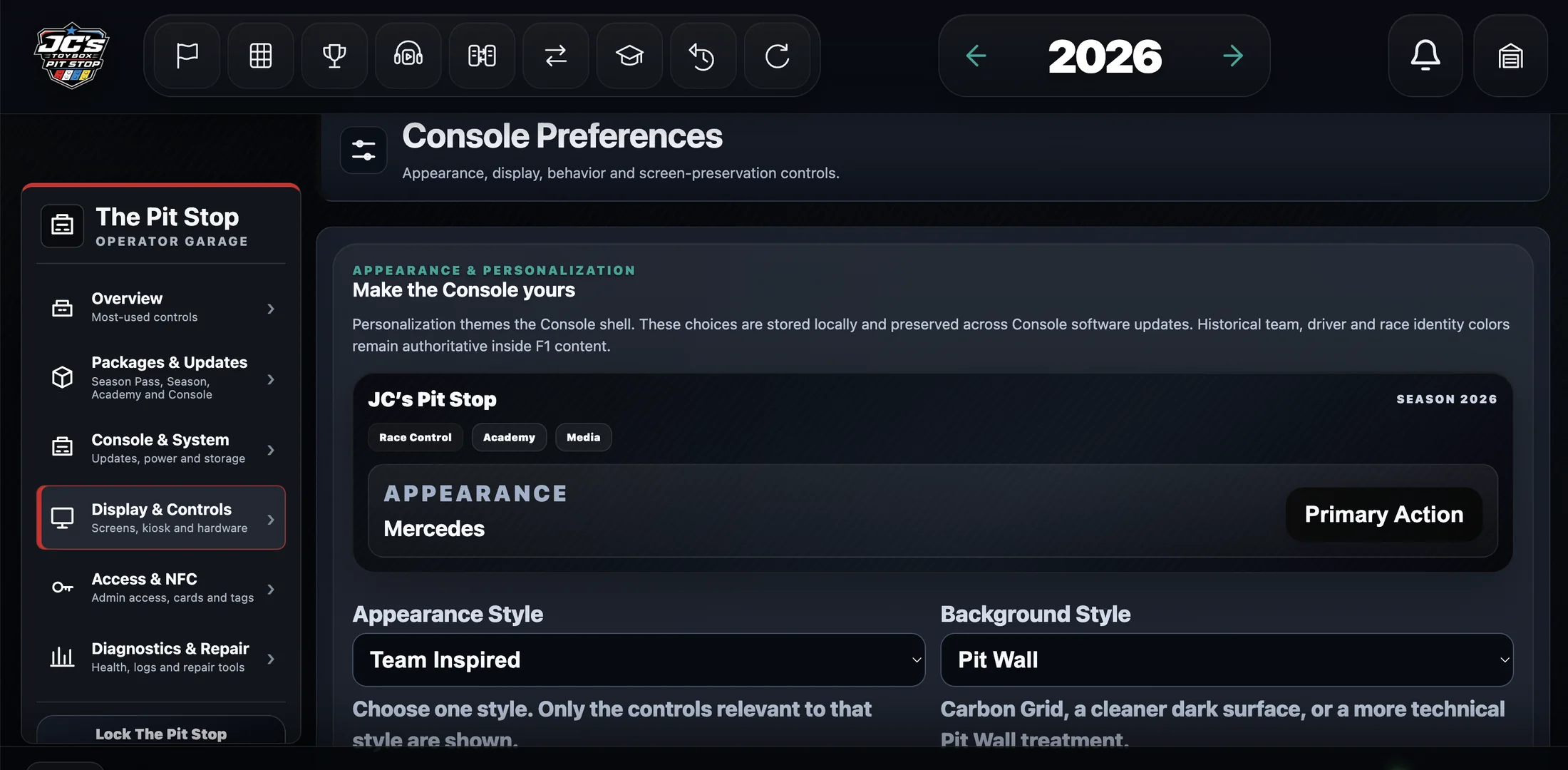
Settings · Personalize the Console shell from Display & Controls.
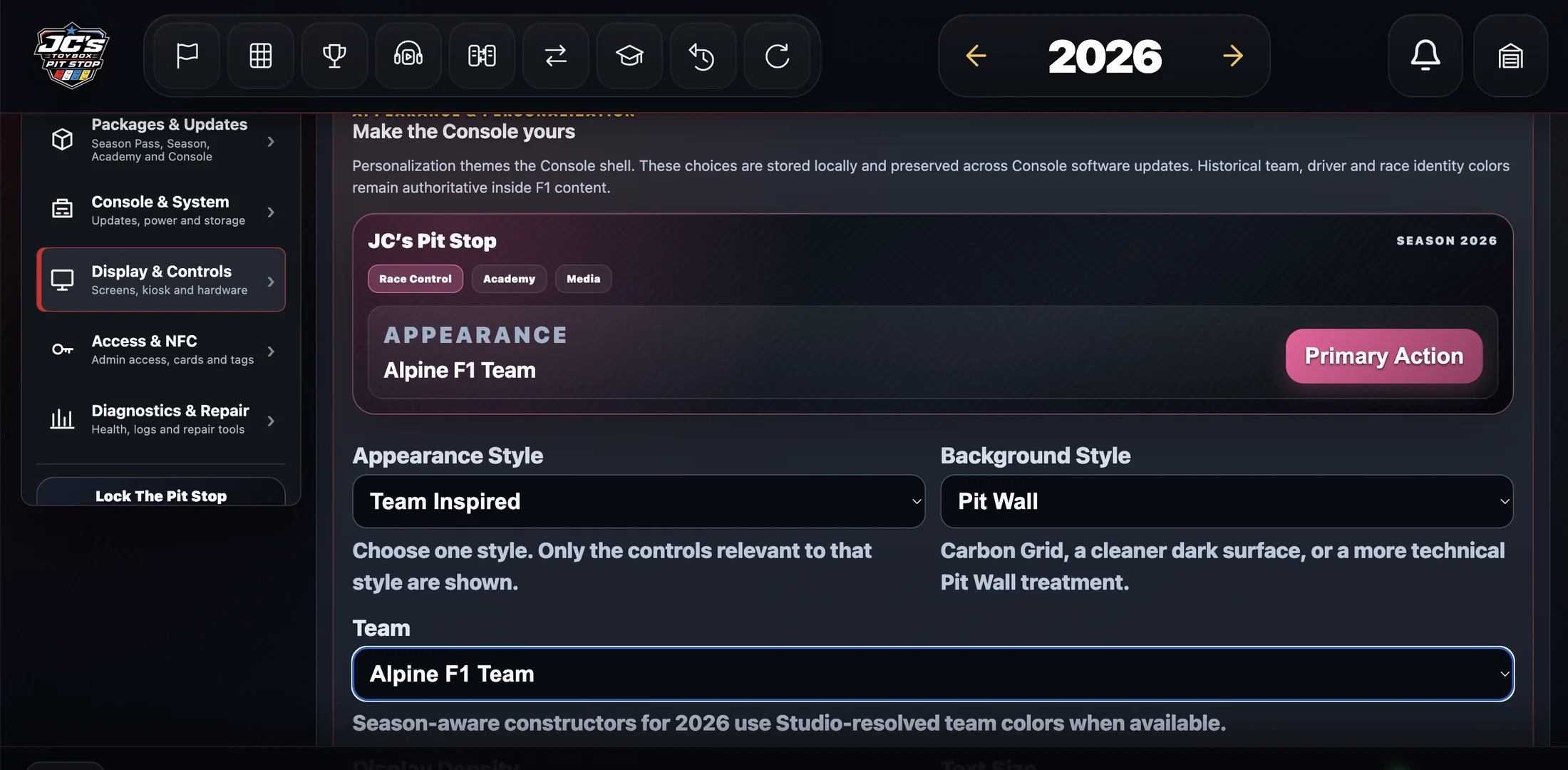
Settings · Choose a team-inspired Console appearance for the selected season.
1 of 20